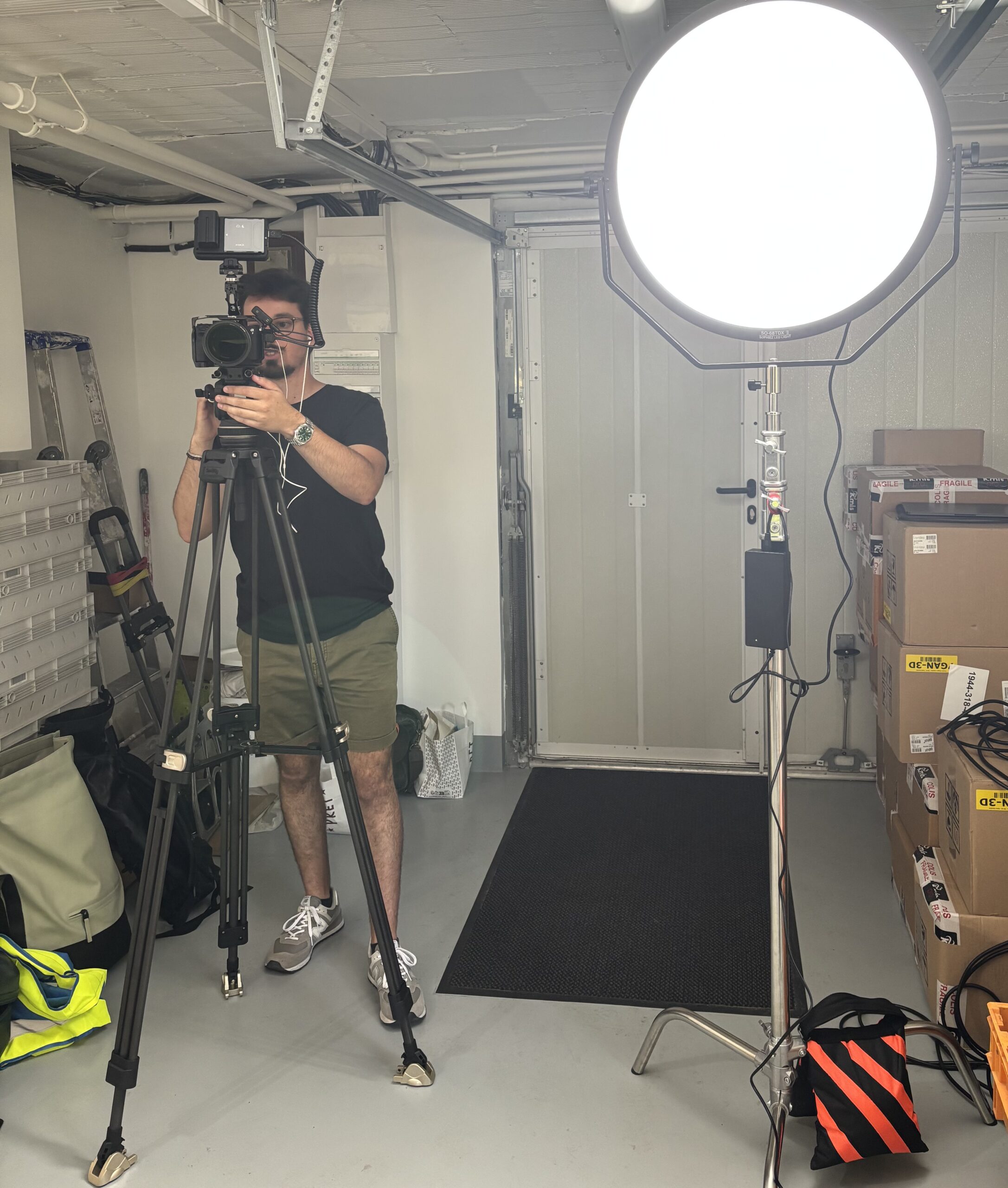
How to improve your smartphone videos: 7 essential tips for professional rendering
Why is it important to improve your smartphone videos? Today, everyone is filming with their smartphone. Sensors are becoming more efficient, applications are multiplying, and social networks require quality content. But between a video "made on the fly" and a video professionalThere is a world.
At Herblot Productions, we regularly train communicators, companies and entrepreneurs to create effective videos... with their simple smartphone.
Here are 7 essential tips for improve your videos on the smartphone and get a much more pro rendering, even without expensive equipment.
The basics of the smartphone video
Before you discover our 7 tips to improve your videos on the smartphone, you must define when and why to use this format.
For example, making a corporate video or advertising on the smartphone would have no impact, the result would be too poor. It would be a waste of energy and time.
On the other hand, the smartphone seems very relevant for vertical video series for social networks (Instagram, TikTok, LinkedIn, YouTube shorts...). What is often called "snack-content".
There are several advantages to using the smartphone for this type of simple video.
A lot of content can be produced at a lower cost (many of those in possession of a smartphone).
The technical aspect is simple to take in hand.
On the networks, there is a search and demand for content less prepared and taken on the fact for an authentic aspect. The majority of users are used to watching images taken by a phone scroll.
That said, simple doing does not in any way prevent the production of quality videos. So let's go to our 7 tips to improve your videos on the smartphone.
1. Stabilizing the image: the basis of a pleasant video to watch
A trembling video immediately gives an impression of amateur and can be highly unpleasant to follow. The audience could pick up and leave the video far too soon.
To avoid this, hold your smartphone in two hands, move slowly. In order to achieve an optimal result, you can also use a tripod or stabilizer (gimbal).
A stable image is more pleasant to look at; It inspires confidence, professionalism and gives a much more specific aspect to your video.
2. Control Light
Light is the number one factor in the visual quality of a video.
These simple rules will help you avoid common mistakes:
- Film facing the light, never against the day (unless you want to get a silhouette).
- Prefer it natural lightsoft and homogeneous. Much more pleasant and aesthetic than ceiling lights and other interior lights (and that will prevent you from being pushed to get a normal color).
- Inside, bring your subject closer to a window so that his face is fully lit.
- Avoid overly marked yellow lights that distort colors.
3. Improving sound: the most common error
A video may be beautiful... but if the sound is bad, people will stop watching it. You can even say that sound is the first thing to master for a good video. Besides, they say "audiovisual".
In short, here are some tips to better manage audio:
- use a micro tie (necessary for interviews),
- or micro directional connect to the phone,
- film in a quiet place,
- Avoid overreacting pieces.
The sound is the element that distinguishes the most an amateur video from a neat video.
4. Treating your framing: simple rules for a professional rendering
A good framing tells a story. He directs the eye to what one wants to highlight.
Here are some basic principles to apply:
- Third party rule : Place the subject's eye on the top line of the grid (yes, you have to activate!), this will allow you to have a simple frame without the subject being cut or shifted once the video is posted on the networks.
- Space in front of the eye If a person looks to the right, leave space on the right.
- Watch the background : avoid disorder, prefer a simple background but always avoid being stuck to the decor or worse... A wall. Leave a large space between your subject and the background!
- Keep the horizon line straight : a bent plan distracted immediately.
The framing gives an intention. It structures your video and makes it more enjoyable.
5. Use the right video settings
Modern smartphones offer options that must be exploited.
To improve your smartphone videos:
- Film in 4K To be able to reframe your image without loss of quality, if your framing is well prepared, the HD format (1080p) is enough for networks.
- Choose 25 images per second (and 50 for idle) for natural fluidity. We are in Europe, we film 25 images per second and not 30 as in the USA (it's very technical but trust us, it's a norm).
- Use Mode Exposure lock and development to avoid variations when taken.
- Enable stabilisation integrated if you film without tripod.
These settings make a huge difference in the perception of quality.
6. Varying the planes: the secret of a dynamic montage
A pro video is not just a good filming: it is also a diversity of plans. This is called varying plan values.
Here is a simple structure:
- Wide plan Background
- Medium plan : action
- Closeup : details, emotions
- Cutting planes : hands, decoration, objects, atmosphere
These variations allow for a more rhythmic, lively and immersive mounting.
7. Think about storytelling: your video must first tell something
Even with a smartphone, the video must have a idea. Video is only the tool to transmit a message.
Before filming, ask yourself:
- What's my message?
- Who is my video for?
- What is the message I want to convey?
A well thought out video will always have more impact, even with simple hardware.
Bonus – Use the right mounting applications
The editing will transform your video into consistent and professional content. There are easy-to-use applications where you can do simple editing and add effects and covers simply.
Avoid "trend" transitions, it will degrade your result. Any mode is not good to follow, it is rarely the case!
The best apps, simple and efficient (with a free version enough to start):
With adapted music (or no music) and clean titles with readable subtitles, your video immediately gains in quality.
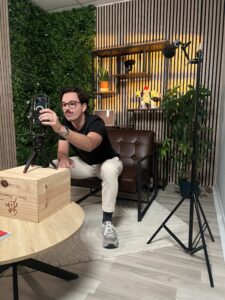
Improving your smartphone videos does not require a huge budget: just a few good reflexes1 method and some creativity.
By controlling light, sound, framing and adding a minimum of editing, you can produce videos that attract attention, value your activity and strengthen your image.
At Herblot Productions, we train companies and entrepreneurs to create professional videos... with a simple smartphone.
And if you want to go further, we also make your communication videos, interviews, video portraits or advertising content.
🎥 Want to learn to film like a pro with your smartphone?
Contact us.